Z CAM P2-R1
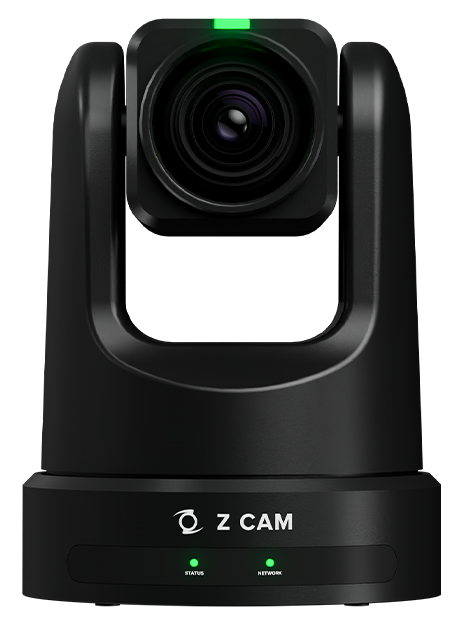
Supported Controls
- Paint
- White Balance1 : Color Temperature, Tint
- Matrix
- Multimatrix
- Gain : ISO, EV
- Gamma2 : OETF, SDR Gamma
- Shutter
- Color : Saturation, Hue
- Lens/PTZF
- Iris
- Pan/tilt : Status, Speed Control
- Zoom/Focus : Status, Speed Control, Digital Zoom
- PTZ Presets
- Vertical Flip
- Camera
- Auto : Focus, Focus Oneshot, Shutter, Gain
- SDI Video Format
- Test
- Others
- Record
Configuration
The camera can be configured using the Generic PTZ Guide
By default, the Z CAM has the ip address 10.98.32.1. Make sure that the address is reachable by the RCP, see this page for more information about ip configuration.
Workflow
The Anxinshi joystick can provide a more convenient user interface than the RCP touchscreen for pan, tilt, zoom and presets.
The Elgato Stream Deck can be used to recall the PTZ presets.