Getting started
Products
Software
Cyanview Studio
Software for monitoring and controlling your camera system.
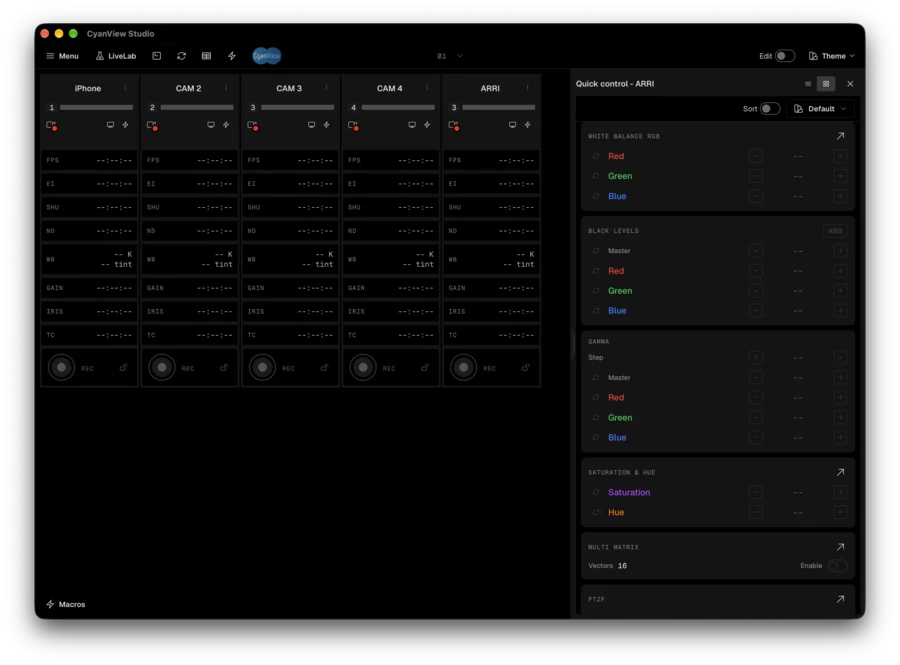
Dashboard
Monitor and control all your cameras.
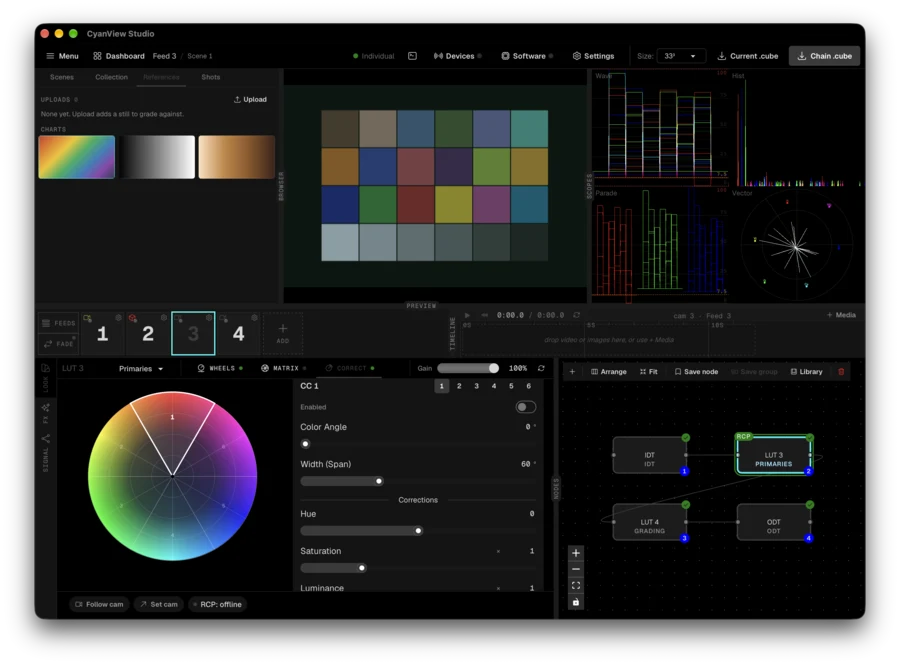
LiveLab
Documentation coming soon.
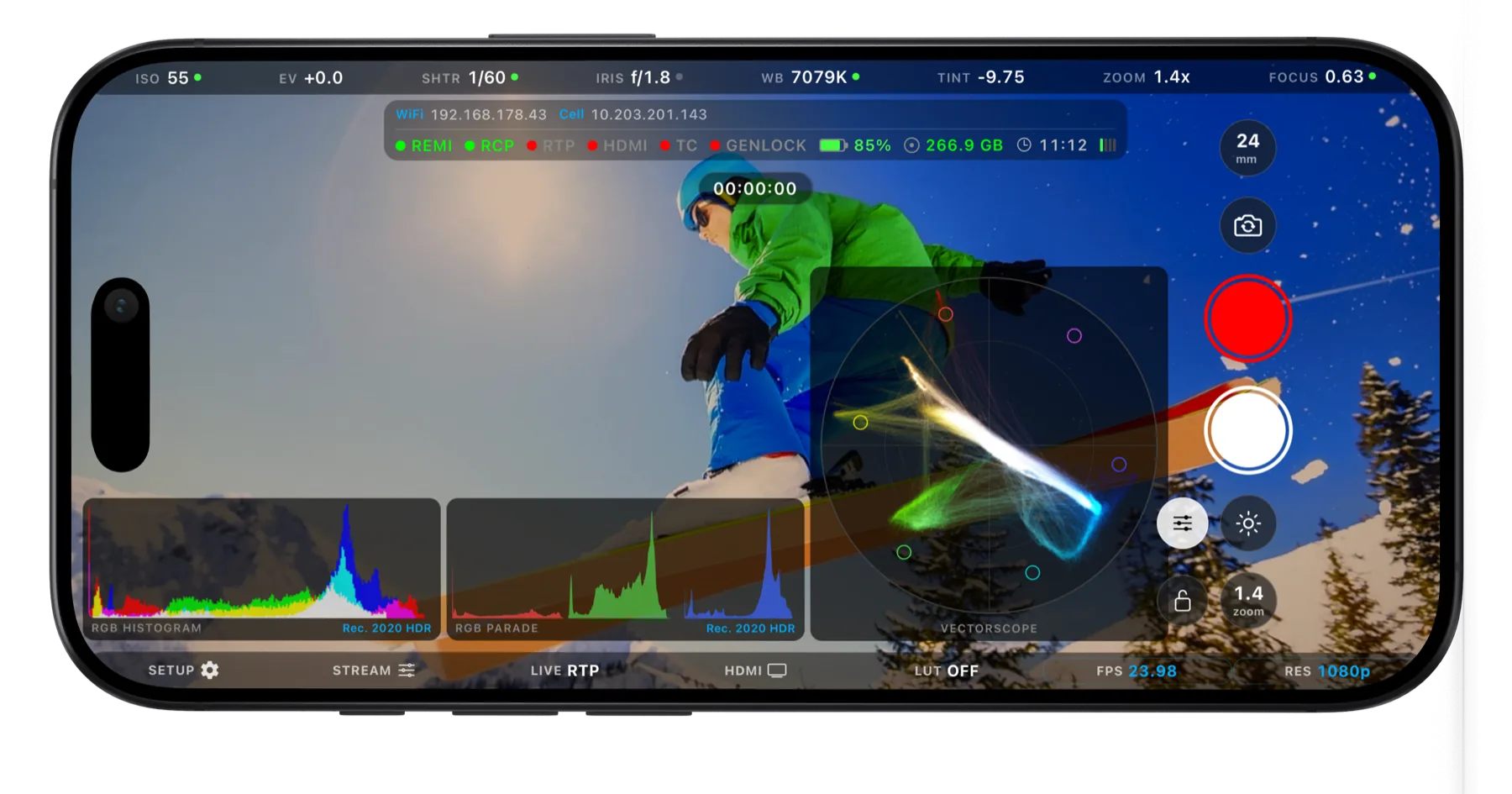
Mobile apps
Cyanview apps for your phone or tablet.
Community and support
ForumSearch past answers, ask how to use Cyanview, and share your workflow.Open forumDiscordAsk usage and training questions in public channels with the Cyanview community.Join DiscordTechnical supportFind checks that can help us troubleshoot your Cyanview system faster.See support stepsRepairs and returnsFollow the return procedure if a device needs repair or replacement.Start a return
How we support you
Help us troubleshoot and find a fix faster
These checks can help you find the cause and give our engineers a head start. If you email us, tell us what happened, how to reproduce it, and which equipment and software versions you use.
- Check the release notes and update your Cyanview software. If the issue persists, reproduce it on the latest version. We investigate and provide fixes for that version.
- Check your camera's integration guide for firmware requirements.
- Run diagnostics if available. Check the report for possible causes. Attach the diagnostics package to your email even if the report shows no obvious issue. The capture can help us find bugs that don’t show up in the report.
- Prepare remote access if possible. Follow the remote support setup instructions, then confirm that the device is online and include its serial number in your email.
If you need help by phone, video, or remote desktop, we currently offer these sessions only when they’re needed to troubleshoot a system issue. We plan to offer paid support and training through these channels in the future. Our team currently has limited capacity for live sessions.
How we provide support