CyanCamera
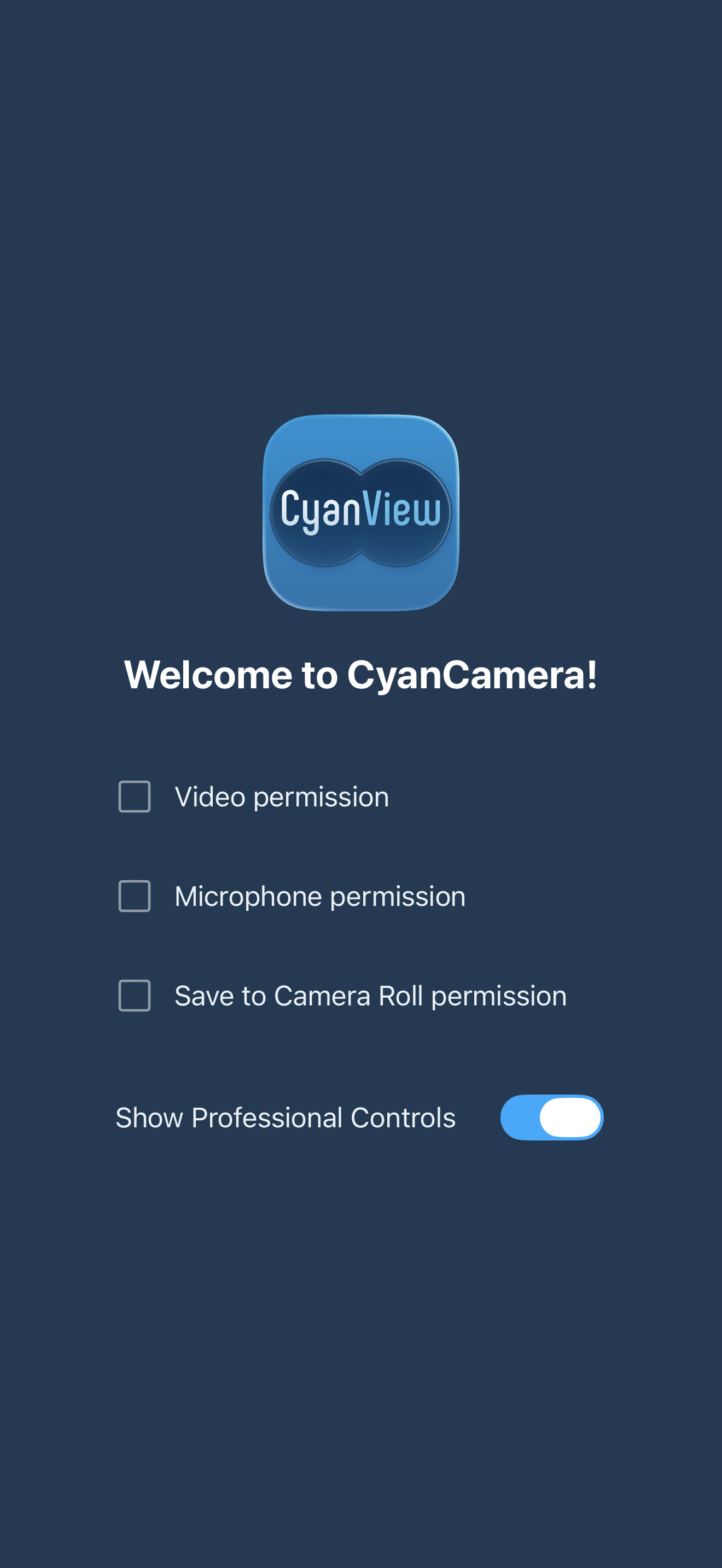
First time setup
You need to grant all permsissions in order to start using the app
Main controls
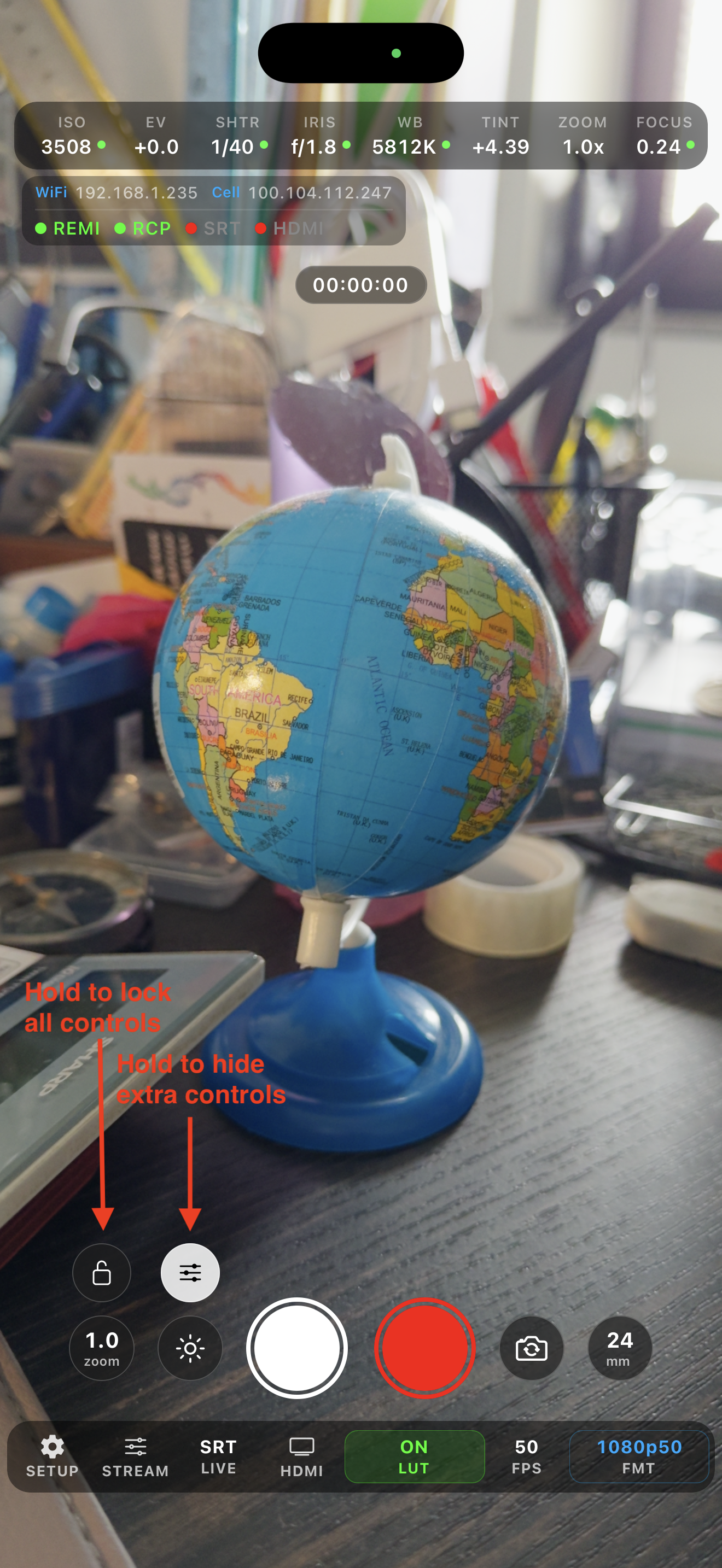
You have main controls on the right
- Start/Stop recording
- Take picture
- Flip lens front/back
- Switch lense (wide/main/tele)
- Quick zoom presets
- Flashlight / Flash rim
Pinch to zoom supported as well.
And extra camera app control at the bottom:
- Main settings
- Stream settings
- Stream start / stop
- HDMI out start / stop
- 3D lut settings
- Format picker
If you control camera sensor value via RCP it will go to manual mode and turn indicator to orange. You can make it auto by taping on that value from phone app of via RCP. RCP supported controls:
- ISO
- EV
- Shutter
- Iris
- White balance + tint
- Lens
- Zoom
- Focus
RCP -> Camera -> Custom - For lens switching and starting stream
Color Shading
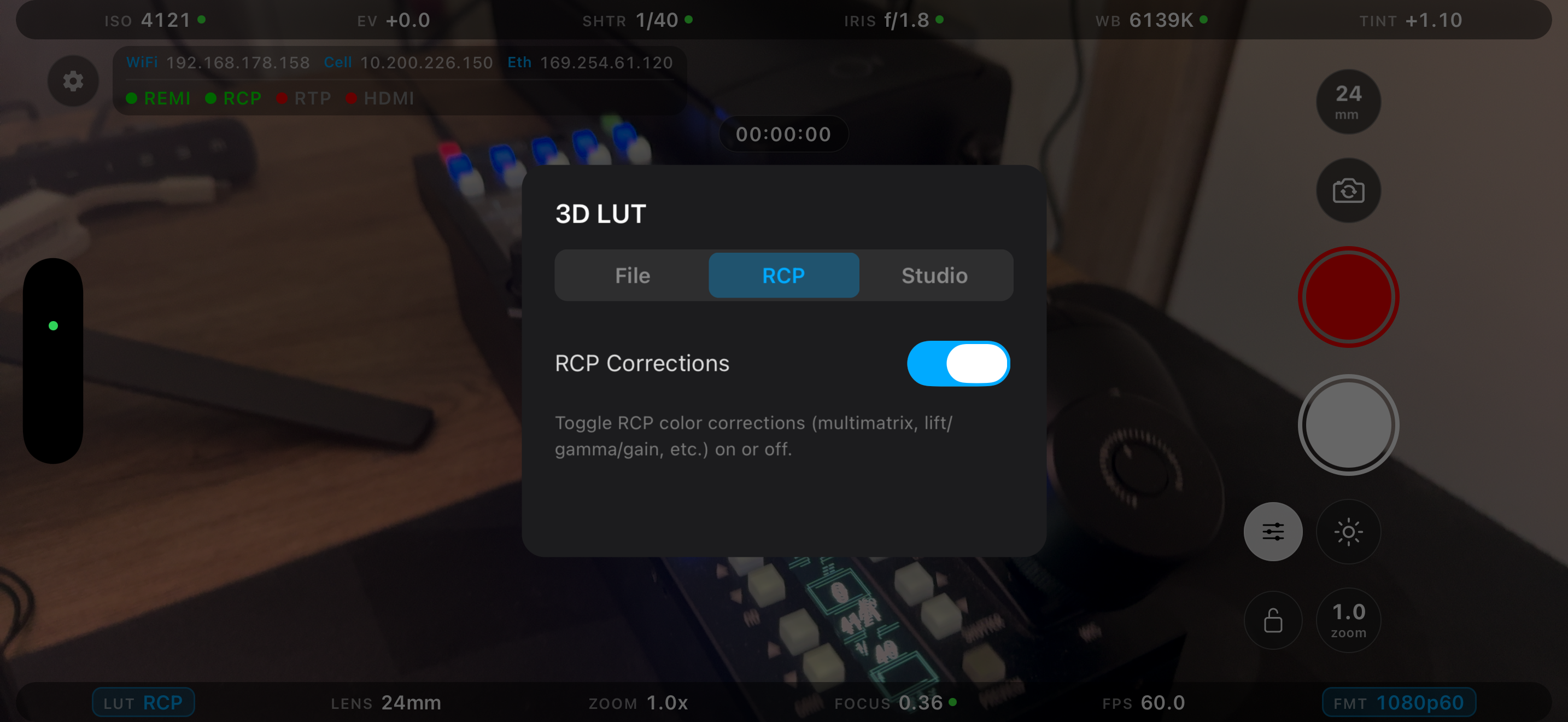
You can tap on left bottom corner to enter luts menu.
- You can select
.cubefile from your device - You can chain it with RCP corrections on top
- RCP Corrections toggle synced with RCP -> Camera -> Custom -> CorrOff/CorrOn
Currently supported from RCP:
- White balance RGB
- Gamma RGBM
- Black RGBM
- Master Black
- Hue/Saturation
- Multimatrix
Streaming
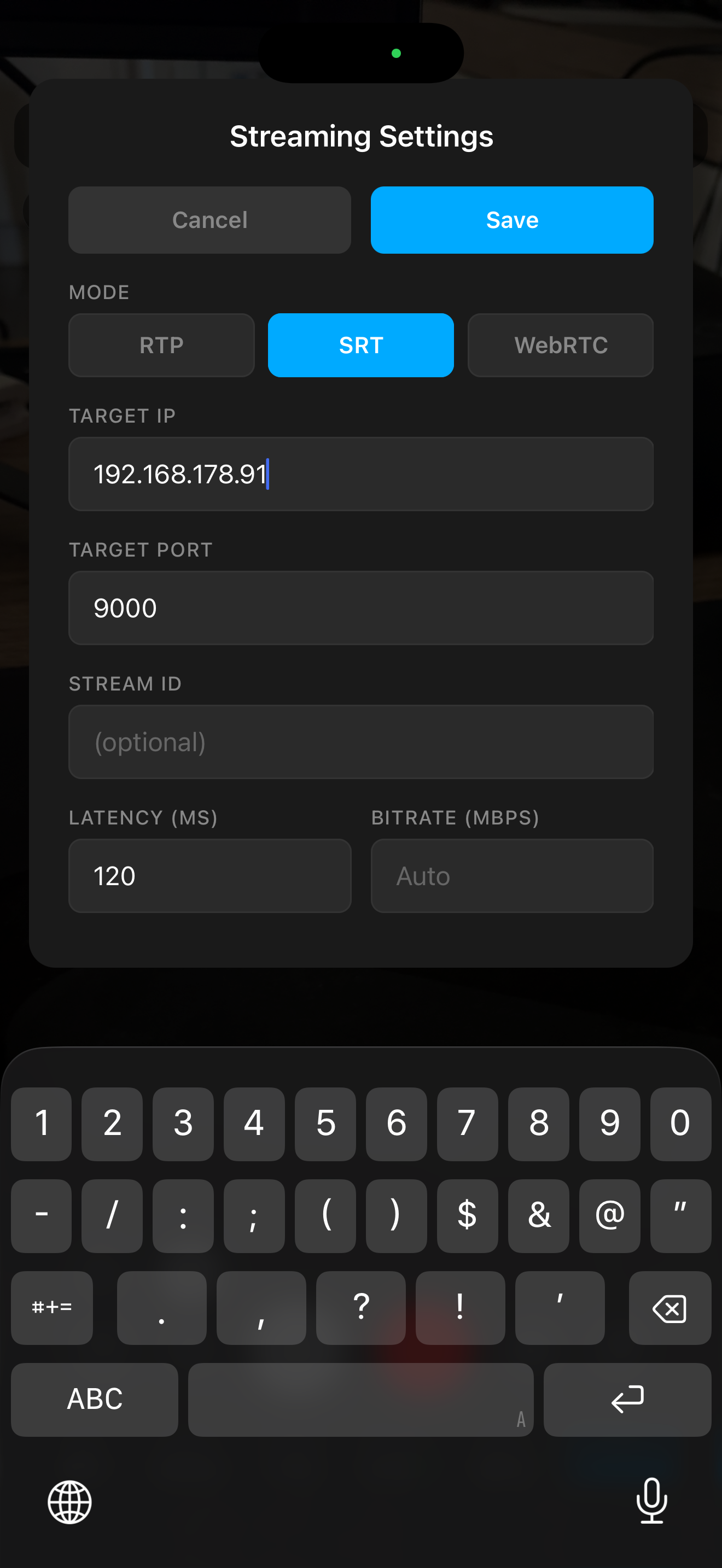
Currently supported protocols: RTP/SRT/WebRTC
You can hold rtp/srt indicator and get into stream settings menu: To start stream you you need to tap on indicator once.
Here few server examples which require ffmpeg installed:
SRT Server + preview:
srt-live-transmit "srt://0.0.0.0:9000?mode=listener" "udp://127.0.0.1:5000" & ffplay -i "udp://127.0.0.1:5000"
SRT Sever + HDR preview:
mpv 'srt://0.0.0.0:9000?mode=listener' \
  --hwdec=videotoolbox \
  --vo=gpu-next \
  --target-colorspace-hint=yes \
  --loop-file=inf \
  --keep-open=always \
  --idle=yes \
  --demuxer-thread=yes \
  --network-timeout=0
RTP Server + preview:
ffplay -fflags nobuffer -flags low_delay -framedrop -probesize 32 -analyzeduration 0 -sync ext -protocol_whitelist file,udp,rtp -f sdp -i <(echo -e "v=0\nm=video 4444 RTP/AVP 96\nc=IN IP4 0.0.0.0\na=rtpmap:96 H264/90000")